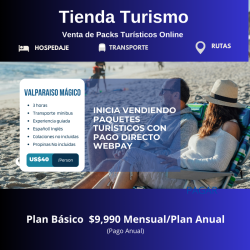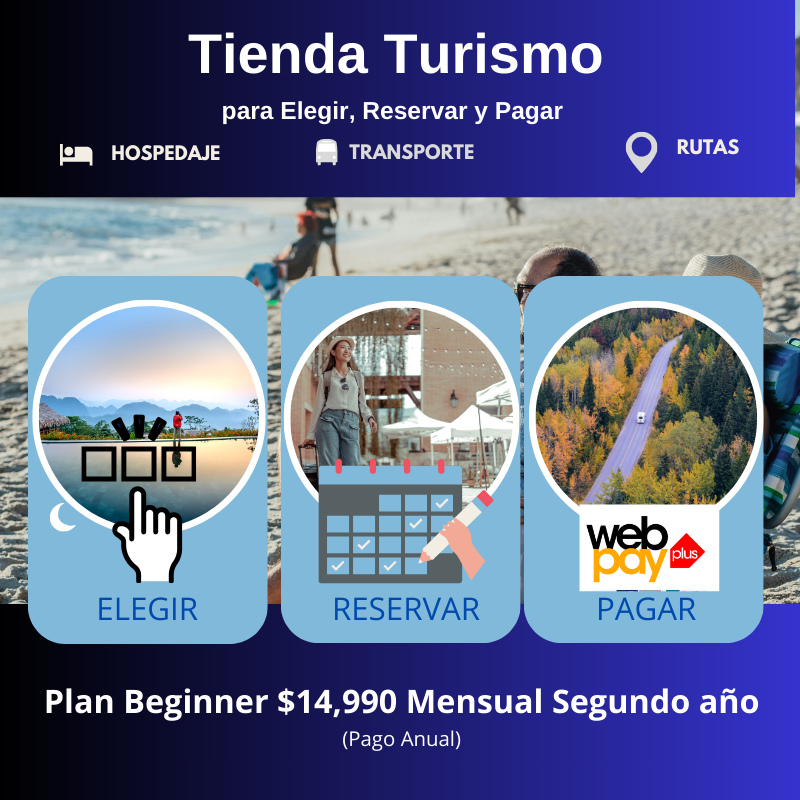


With this type of booking service, you can manage your hotel reservations. Create a booking service with date range by adding details like name, price, description, image, quantity, etc. Customers can select reservation dates from the calendar on the page of the service offered.
This solution considers the following activities:
• Construction and deployment of an ecommerce store in secure hosting for a period of one year.
• Prestashop standard store.
• .CL domain for one year.
• Configuration of 5 tourist services to be offered.
• Configuration of the initial reservation system for the 5 services offered.
• Webpay configuration for online payment.
Clarification: The Client must make the contract with Transbank for the webpay service for the online store.
 Security policy
(edit with the Customer Reassurance module)
 Delivery policy
(edit with the Customer Reassurance module)
 Return policy
(edit with the Customer Reassurance module)
Features of the booking software as a service.
• Create bookable services using our Registration and Reservations module
• Add four booking types: date range, time slots, events and rental.
• For the date range, time slots, and rental reservation service type, disable reservations for special days and dates.
• When adding the date range and rental reservation type, set the minimum and maximum days for which products can be reserved.
• Set up time slots for specific dates and days.
• Set a different price for services for different time slots.
• Set the language, age group, category and banner image for the event booking product.
• Add multiple time slots for an event for specific dates.
• Display WhatsApp, Facebook, Instagram and Twitter icons on the event booking page.
• You can display the event booking service on a separate page in the store.
• Show copy to clipboard link on event booking page.
• Shows related events on the event booking page.
• Establishes how many hours in advance the client can make reservations.
• View the total quantity available, the quantity reserved and the price of a service reserved for a specific date using the calendar.
• Add multiple pricing rules and associate them with a service reservation.
• Add a price rule for a date range or a specific date.
• Add pricing rule for special days in a specific date range.
• Establish the impact of the pricing rule as price increase or price decrease.
• Set the priority for calculating the price that will be considered if a customer fits multiple reservation pricing rules.
• Add, enable, disable, edit or delete pricing rules from one place.
• Show or hide reservation pricing rules on the product page.
• Choose to consider the "last date" to calculate the price when booking the service.
• Show the service reservations link in the header navigation bar.
• Show the price of a service reservation before the strikethrough discount.
• Choose to show Monday as the first day of the week.
• Customers can view reservation information on the order details page and on the invoice.
This solution considers the following activities:
• Construction and deployment of an ecommerce store in secure hosting for a period of one year.
• It is based on PrestaShop's default standard store configuration.
• .CL domain for one year.
• Configuration of 5 tourist services to be offered.
• Configuration of the initial reservation system for the 5 services offered.
• Webpay configuration for online payment.
Clarification: The Client must make the contract with Transbank for the webpay service for the online store.

Data sheet
With this type of booking service, you can manage your hotel reservations. Create a booking service with date range by adding details like name, price, description, image, quantity, etc. Customers can select reservation dates from the calendar on the page of the service offered.
This solution considers the following activities:
• Construction and deployment of an ecommerce store in secure hosting for a period of one year.
• Prestashop standard store.
• .CL domain for one year.
• Configuration of 5 tourist services to be offered.
• Configuration of the initial reservation system for the 5 services offered.
• Webpay configuration for online payment.
Clarification: The Client must make the contract with Transbank for the webpay service for the online store.